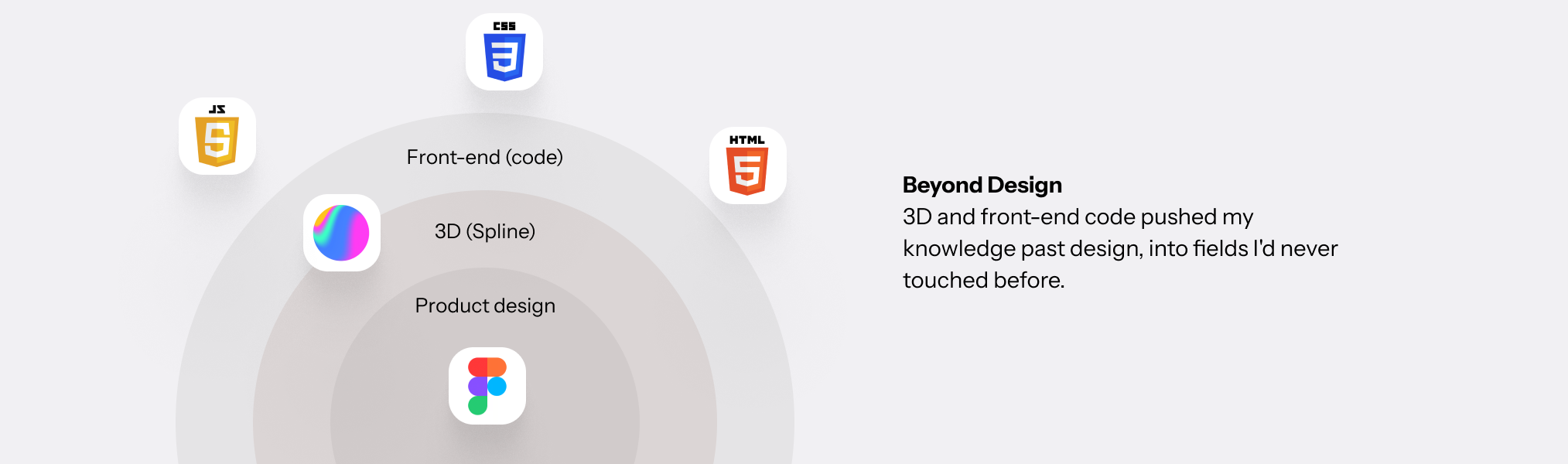
This is my AI workplace: VS Code and Claude Code, connected directly to my project files. This is my pipeline for freelance design work, the system that lets me take a project from 0 to 1 on my own.
Personas first, then the PRD. I explain every screen in detail, build wireframes and the design system at the same time, bring the final screens together, then run a real UAT pass with the actual persona. Same steps, every project.
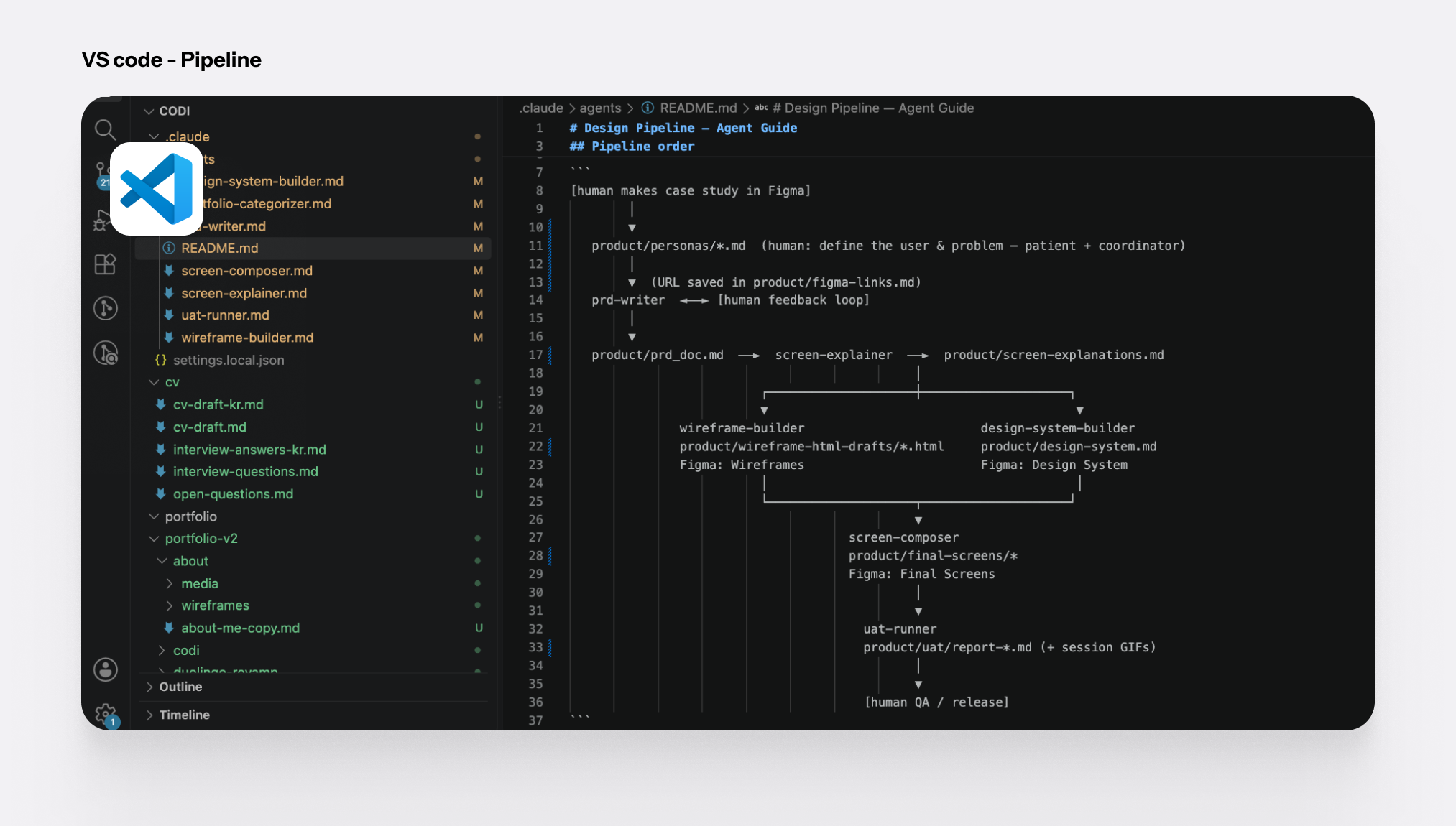
The pipeline means I catch bugs early and change things one step at a time. That's what stops the whole project from collapsing.
Compare this to a general chatting-style AI, like a normal chat window. There, a change anywhere means re-reading the whole conversation, and mistakes hide in the parts you can no longer track. That's the collapse: everything gets tangled together until you can't tell where to even start fixing it.
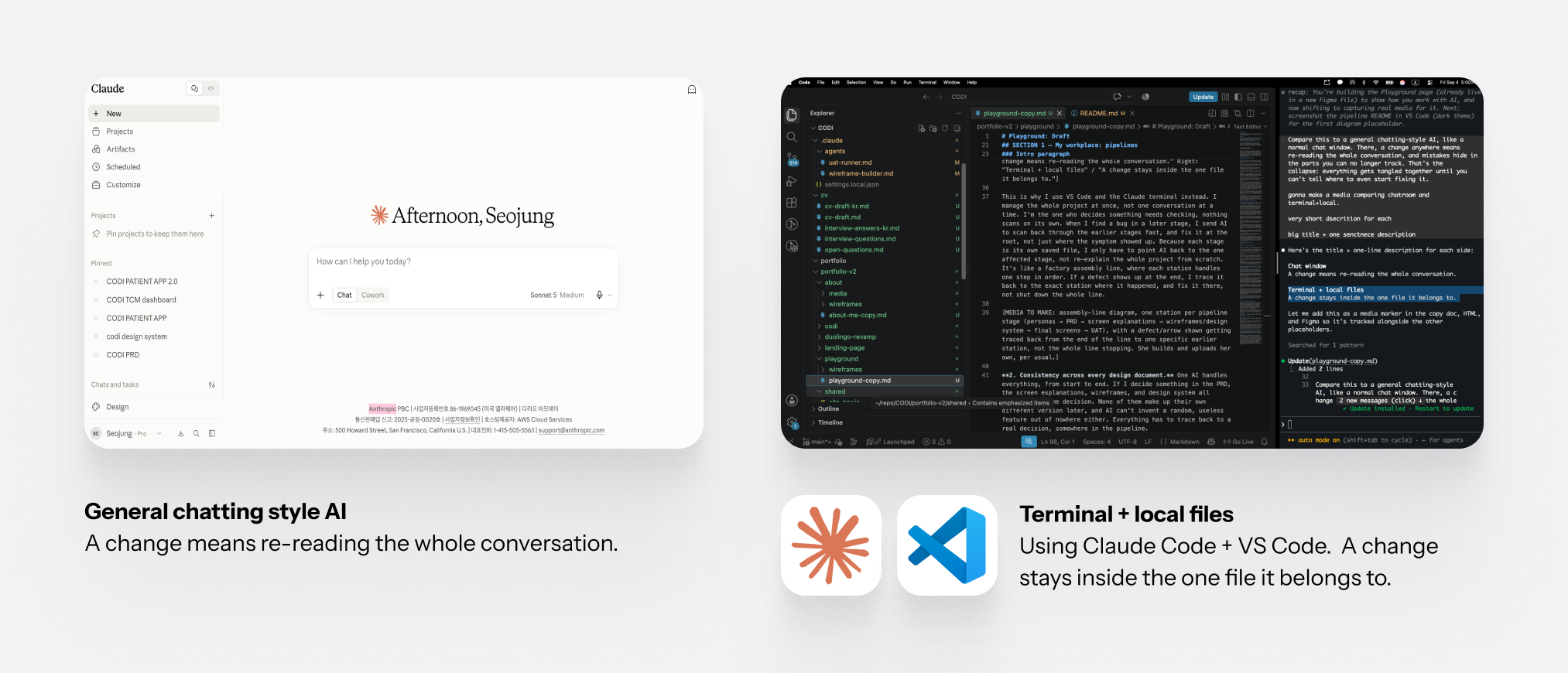
This is why I use VS Code and the Claude terminal instead. I manage the whole project at once, not one conversation at a time. I'm the one who decides something needs checking, nothing scans on its own. When I find a bug in a later stage, I send AI to scan back through the earlier stages fast, and fix it at the root, not just where the symptom showed up. Because each stage is its own saved file, I only have to point AI back to the one affected stage, not re-explain the whole project from scratch. It's like a factory assembly line, where each station handles one step in order. If a defect shows up at the end, I trace it back to the exact station where it happened, and fix it there, not shut down the whole line.
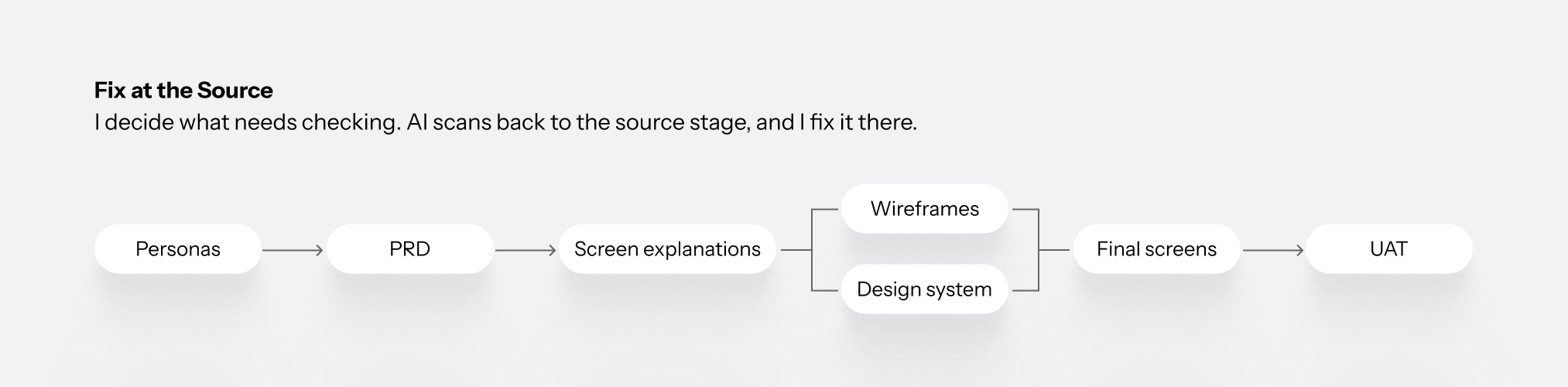
I decide what needs checking. AI scans back to the source stage, and I fix it there.
Consistency across every design document. One AI handles everything, from start to end. If I decide something in the PRD, the screen explanations, wireframes, and design system all follow that same decision. None of them make up their own different version later, and AI can't invent a random, useless feature out of nowhere either. Everything has to trace back to a real decision, somewhere in the pipeline.
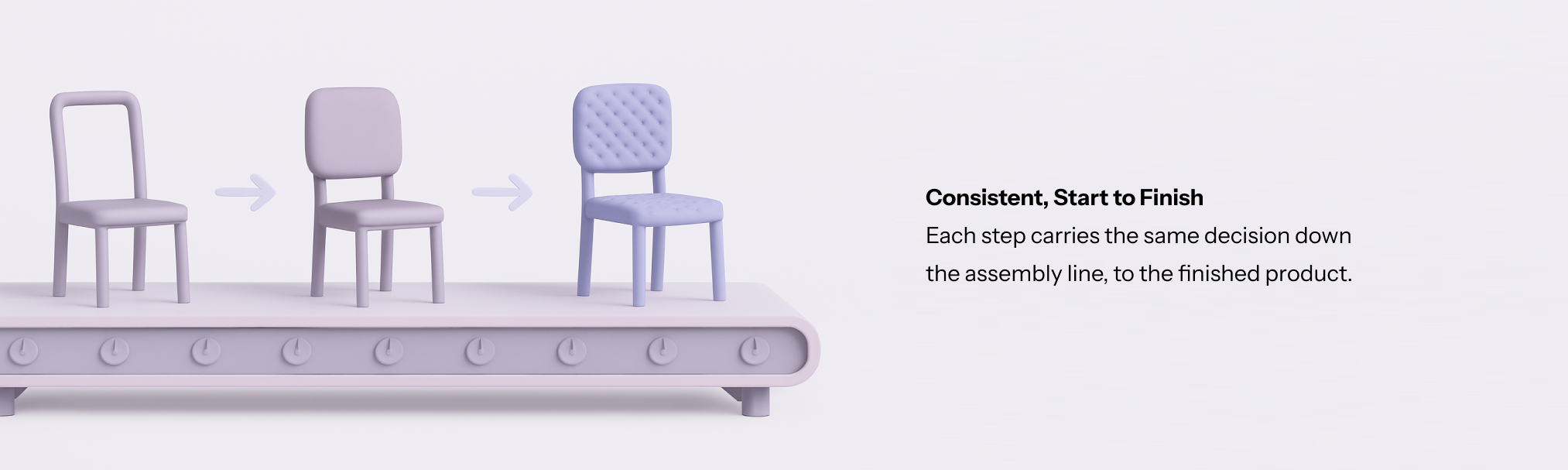
Catching a bug at its early stage is what keeps every document consistent, so the final product matches the plan.
Until the wireframe and app-flow stage, I work in HTML and text/markdown, doing fast, rough prototyping first. Fast prototyping is the most important thing a designer can get from AI.
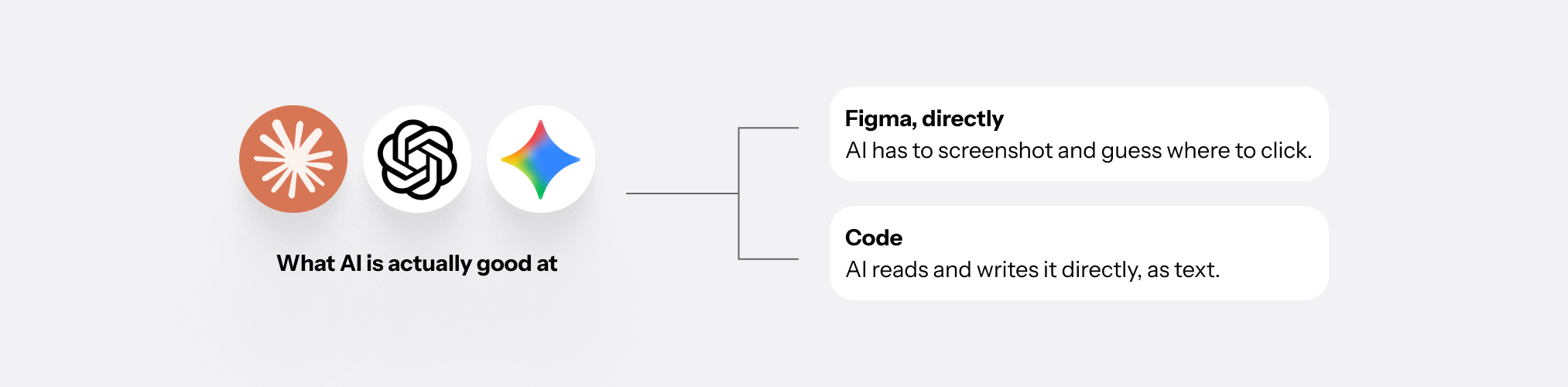
I use code because it's cheaper and faster for AI to run. AI isn't good at directly operating a visual tool like Figma. It has to screenshot the screen and guess where to click, like trying to use a computer without touching the mouse. Code is direct: AI reads and writes it as text, no guessing involved. That's why, on freelance projects, I stay in code for the wireframe stage and only bring Figma in later.
A wireframe is just boxes and lines: no color, no photos, no fine detail. That simplicity is what makes it push into Figma through MCP so reliably, since a fully-finished, detailed screen built entirely by AI is much easier to break in the handoff. It's cheap to bring into Figma for collaboration with other designers, and before starting on the actual UI, just to explain the app's features, HTML is the fastest way.
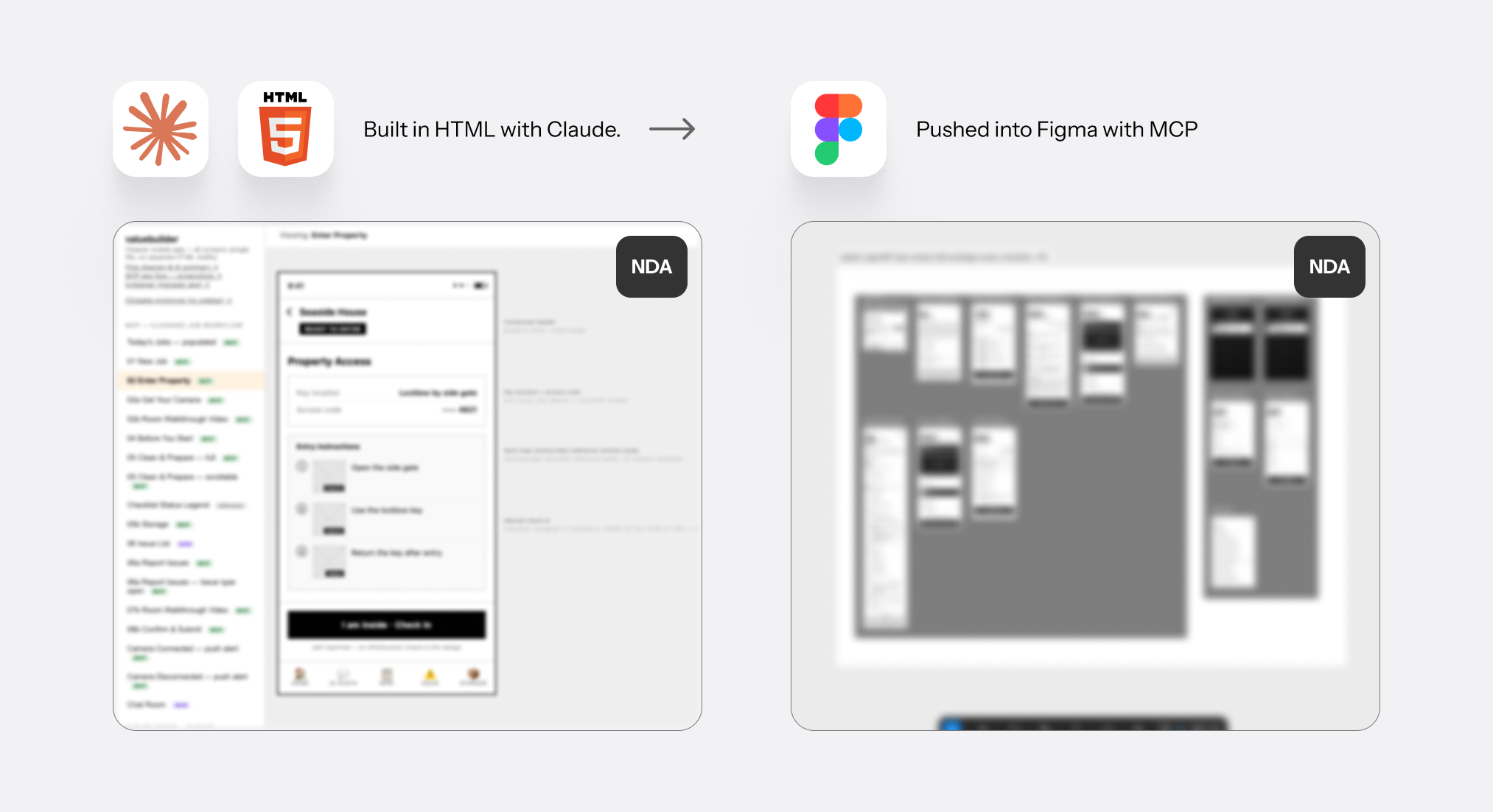
For app-flow prototyping, it's very cheap to build directly in the browser. With code, I also connect the screens to each other from the start, on purpose. The result works like a real app, and I can still push that whole connected flow into Figma afterward.
Keeping that HTML version means I can actually check the app flow in detail: dead ends, buttons that don't do anything, links that go nowhere. If there's a bug in how one screen connects to the next, it shows up right away. It's a real, app-like working prototype, so I click through it myself and catch functional bugs first, then it goes through a real UAT pass with the actual persona.
Clicking through the real prototype to find what's broken.
All of these stages exist so I can find bugs efficiently and finish each task precisely. And after every task is done, I talk with the designers and clients myself to check it.
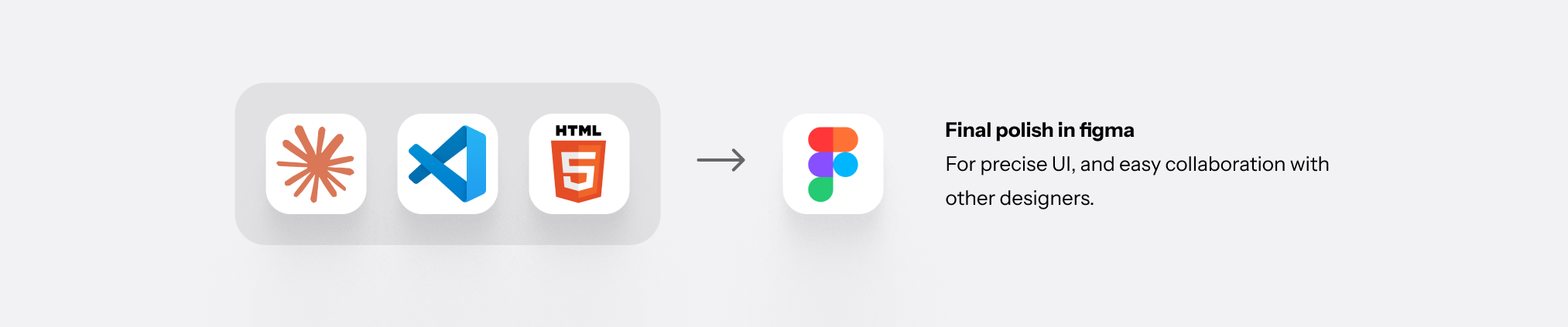
But there's still an area Figma is better at: putting real UI on top, and following a company's already-existing strict design system to make the real, polished screen. It's easier to move each element around precisely in a tool built for exactly that. I only build the design system myself when it's a small project with no strict design system already in place. I build it with code, and push it into the wireframe easily, then only do the last touch in Figma.
I fully built this website by myself, as a designer, using only Claude.
The concept of my website is this: from a vague idea to a clear product. That's the same process I use in my real design work.
In the design field, especially for UX and product design, the key is making a clear, purposeful product through research and a precise, systematized process. I wanted to prove I could deliver exactly that, using an abstract object as the symbol.
That's how the idea of organizing cubes came to me for the landing page.
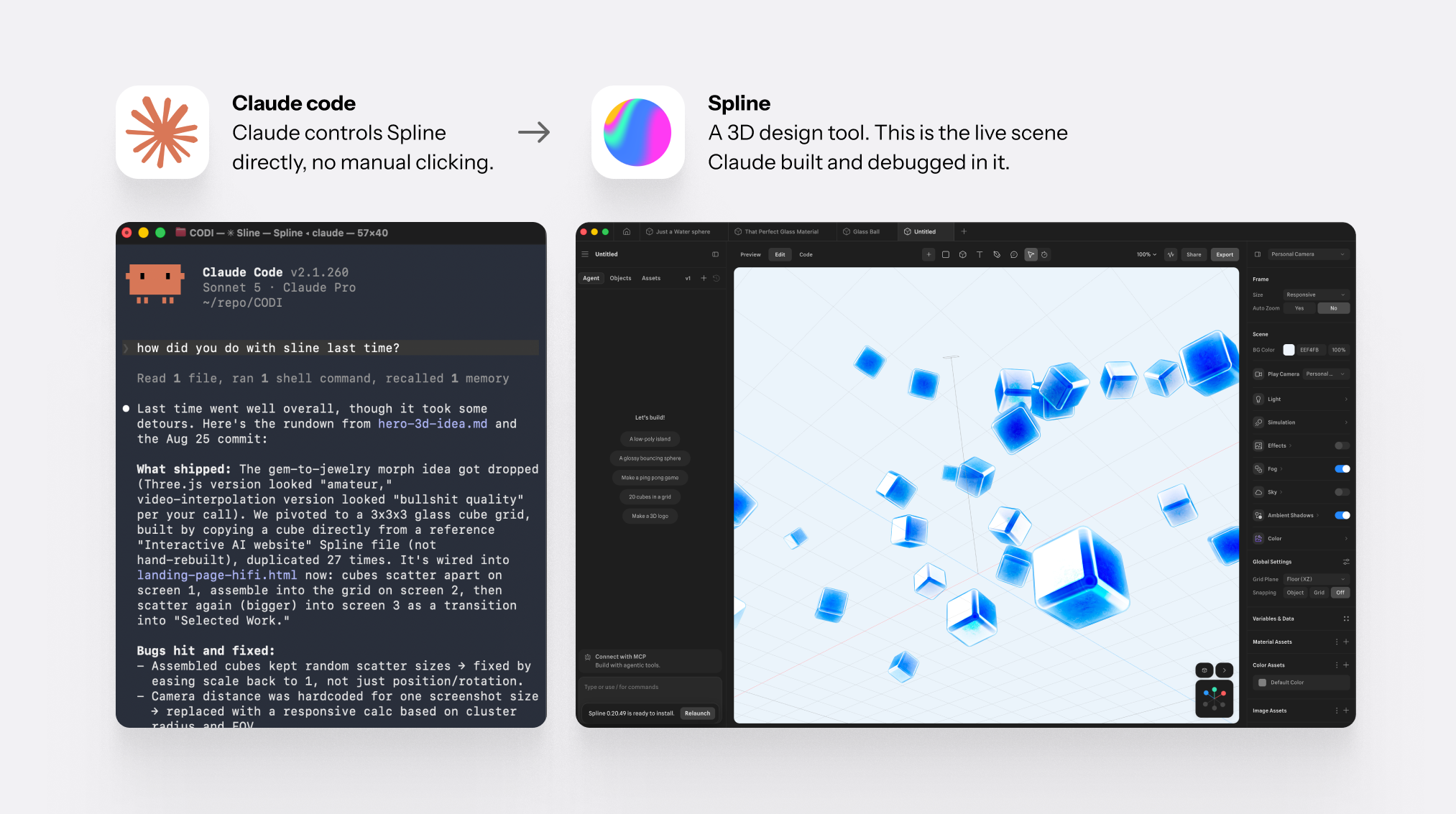
For this, I learned Spline, and connected it to Claude through Spline's MCP. Spline is a program specialized in running 3D objects online. It was my first time using Spline, but connecting it to Claude let me control the 3D scene with an LLM.
At first, I wanted a fluid, liquid-like object, but controlling it through MCP instead of directly made it too unstable. A cube turned out to be the better choice: solid, and easy to position precisely.
Working this closely with front-end code gave me real insight into what kind of design is actually efficient for an engineer to build. Two examples:
When Claude kept rewriting the same navigation bar code for every page, I separated it into one reference file instead, so every page builds from the same source and I only manage the small differences per page. This is the same idea Figma uses for design systems, reusable components, just applied in code.
One file, every page
Code file (VS Code)
One shared component file, in VS Code.
Navigation across pages (browser)
With Claude, I only change the small settings per page.
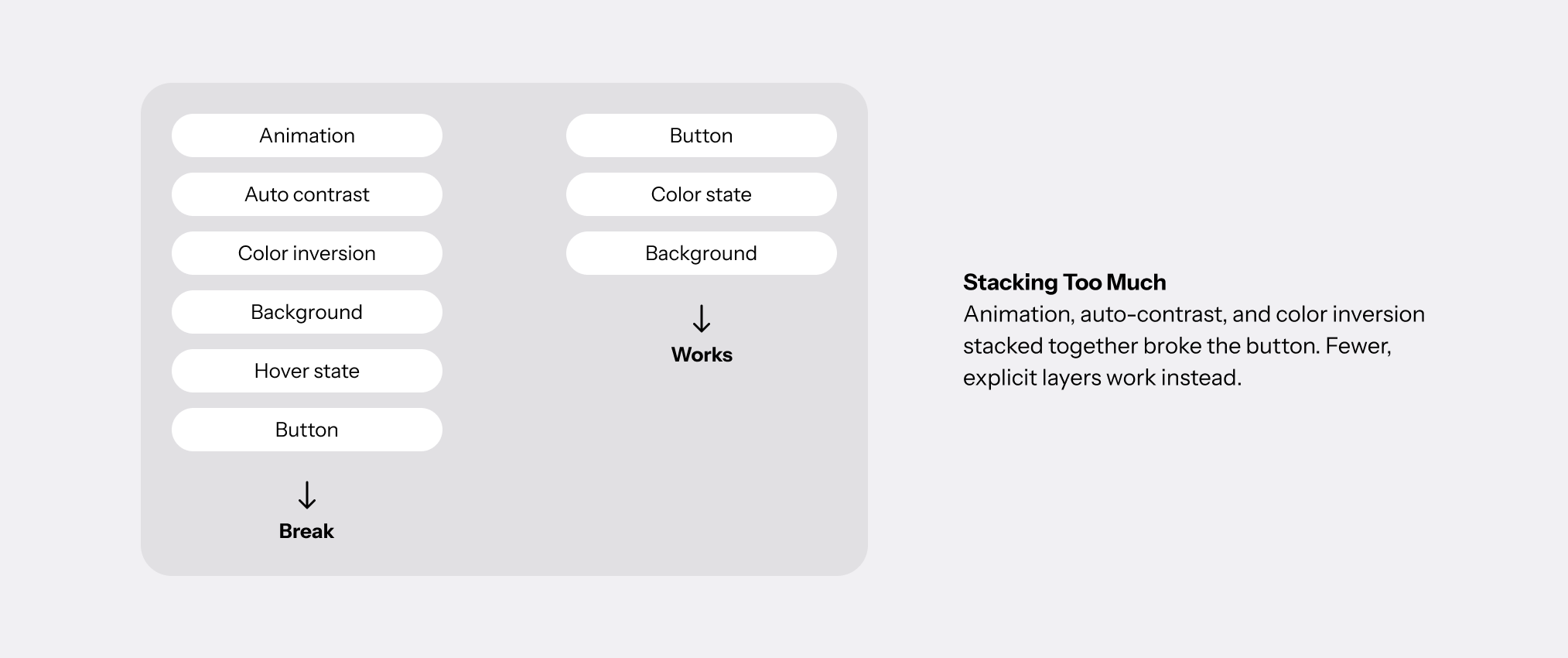
The site's shared navigation bar also had a button that turned invisible on a white background. I noticed it, and while fixing it with Claude, we found the cause. There was a color trick meant to auto-switch the text: light letters on a dark background, dark letters on a light background. It broke when the browser animated it. Too many code effects stacked on top of each other, and something breaks. Now I know: simple designs are more stable in real code. So I checked each part of the page one by one, instead of trusting the automatic color trick.
Building this site taught me that good design goes past the visual layer. Choosing a cube over a fluid shape, and rebuilding a broken color trick instead of patching it, both came from understanding enough about how the code works to decide myself. Working this closely with 3D tools and front-end code pushed my knowledge past design, into fields I'd never touched before. This is the kind of cooperation I bring to a team: I understand enough of an engineer's world to design something that's genuinely good to build.